Ship daily vertical clips from every stream without living in an editor.
Paste your Twitch VOD link with a start and end window so you only process the clutch rounds, not the starting-soon screen.
Recommended length
15–30s Punchlines
Recommended framing
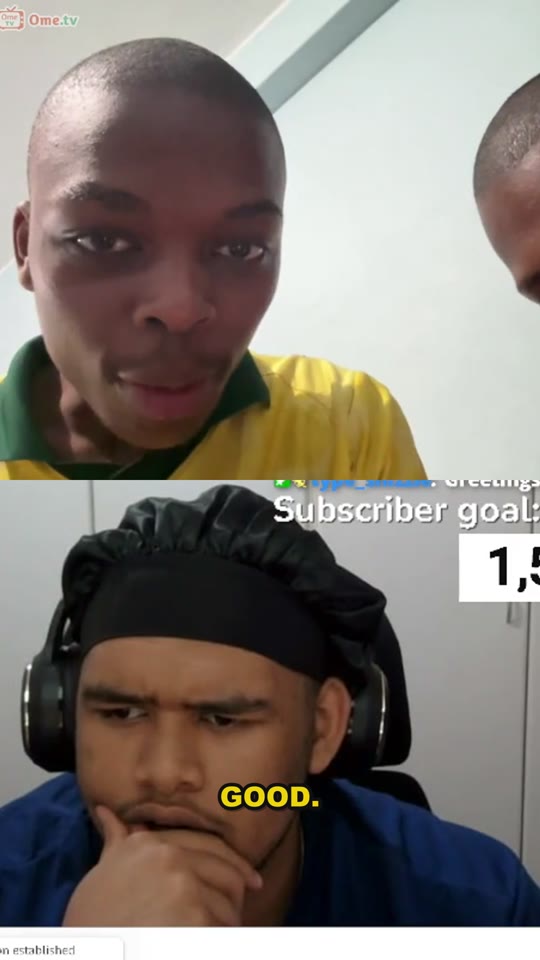
Split Screen (Facecam + Gameplay)
01
Range-clip your Twitch VOD
Enter a start and end timestamp during import to skip waiting screens and save time.
02
Stack facecam above gameplay
Choose Split Screen so your reaction cam sits cleanly on top while game action stays sharp.
03
Preview & export to MP4
Scrub exact timing with audio in your browser before exporting ready-to-post vertical clips.
Can I import just one match from a 5-hour Twitch VOD?
Yes. Enter an optional start and end time when pasting your Twitch link.
Which clip length works best for gaming highlights?
Pick 15–30s for quick clutches or 30–60s when comms and buildup make the joke land.