Turn widescreen streams into face-tracked shorts.
Automatically keeps active speakers centered, or switch to Cinema Blur and Split Screen for podcasts and gameplay streams.
From widescreen VOD to three vertical formats.
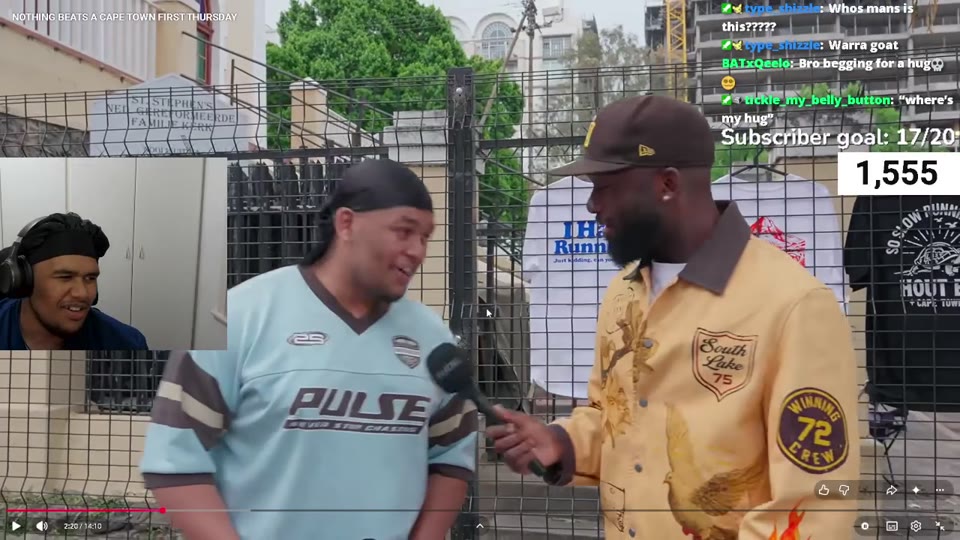
Real exported clips showing how one stream turns into Face-Track, Cinema, and Split Screen shorts.
Original 16:9 Stream1:14:20
 96
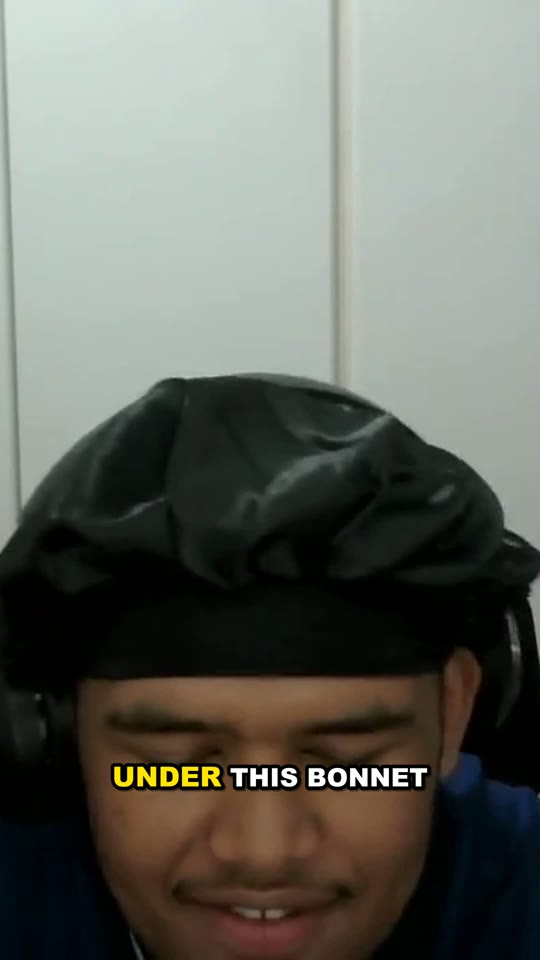
Face-Track (Active Speaker)
 94
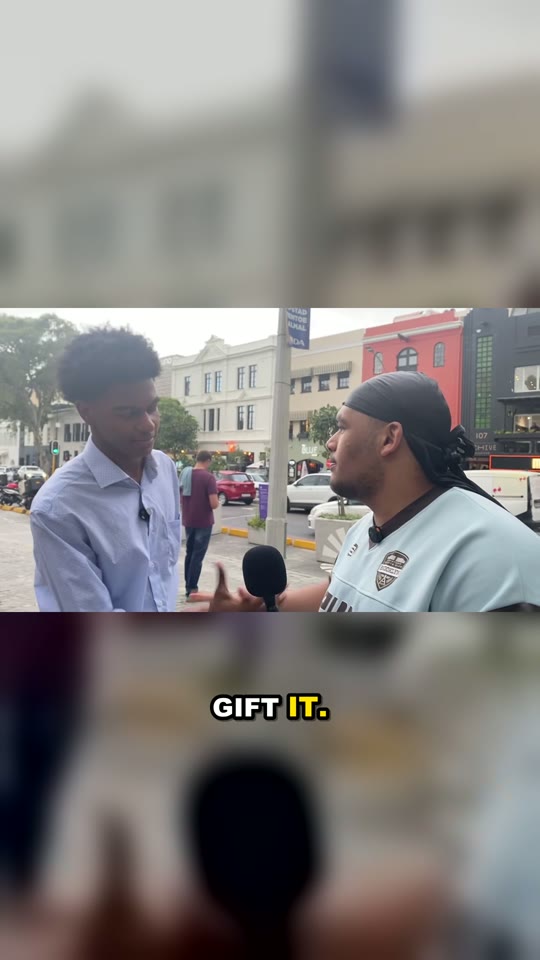
Cinema (Blurred Backdrop)
 91
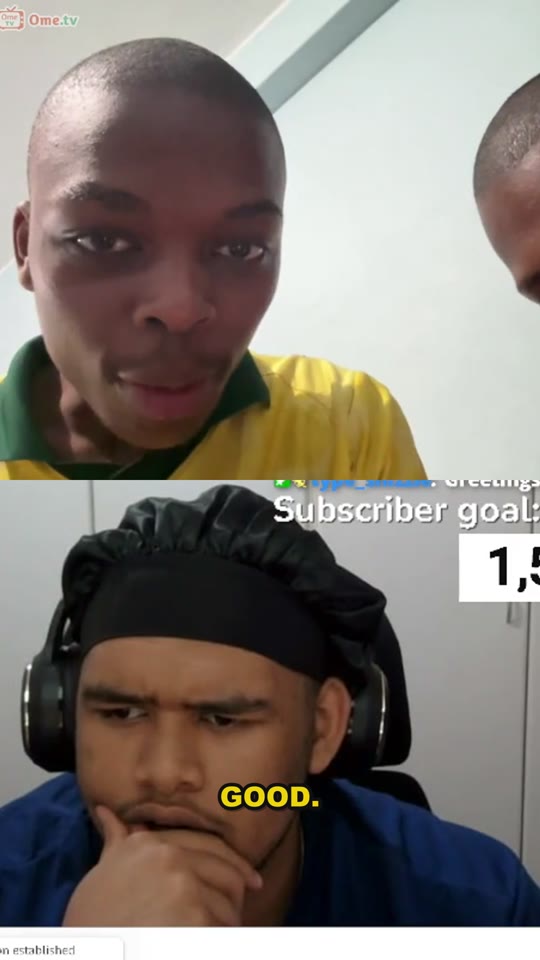
Split Screen (Cam + Feed)
01
Face-Track follows the speaker
Converts landscape interviews and desk setups into clean vertical clips with zero manual keyframing.
02
Split Screen for gaming & reactions
Stacks your facecam commentary cleanly above widescreen gameplay or reaction footage.
03
Cinema mode for wide moments
Keeps full widescreen framing intact over a clean blurred vertical backdrop.
Which layout works best for gaming streams?
Split Screen puts your facecam on top and crisp gameplay action on the bottom in one 9:16 frame.
Can I check framing before rendering?
Yes. Preview the start or mid frame in Studio before exporting the final MP4.