Find the best hooks in any stream in seconds.
Paste a link, pick your ideal clip length (15–30s, 30–60s, or 60–90s), and get ranked clip candidates with ready-to-use hook titles.
From widescreen VOD to three vertical formats.
Real exported clips showing how one stream turns into Face-Track, Cinema, and Split Screen shorts.
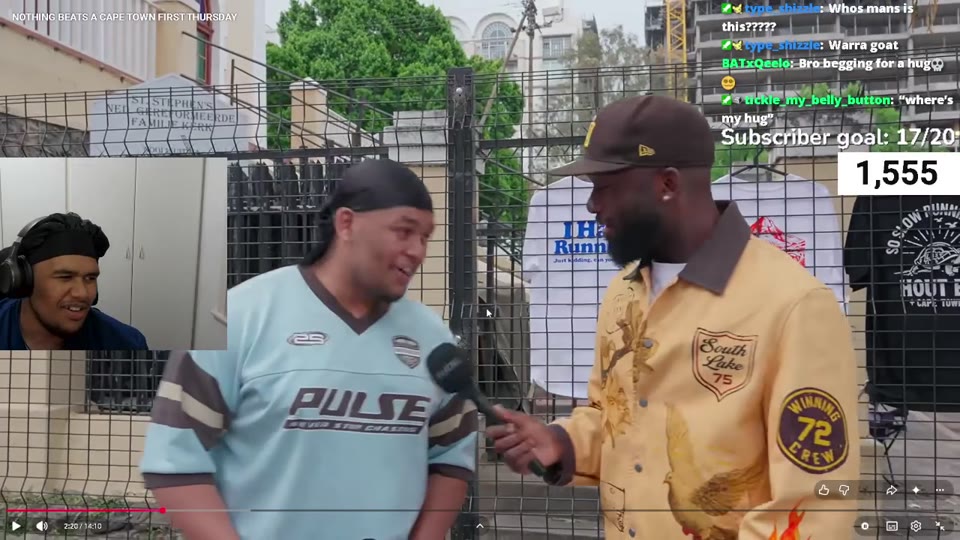
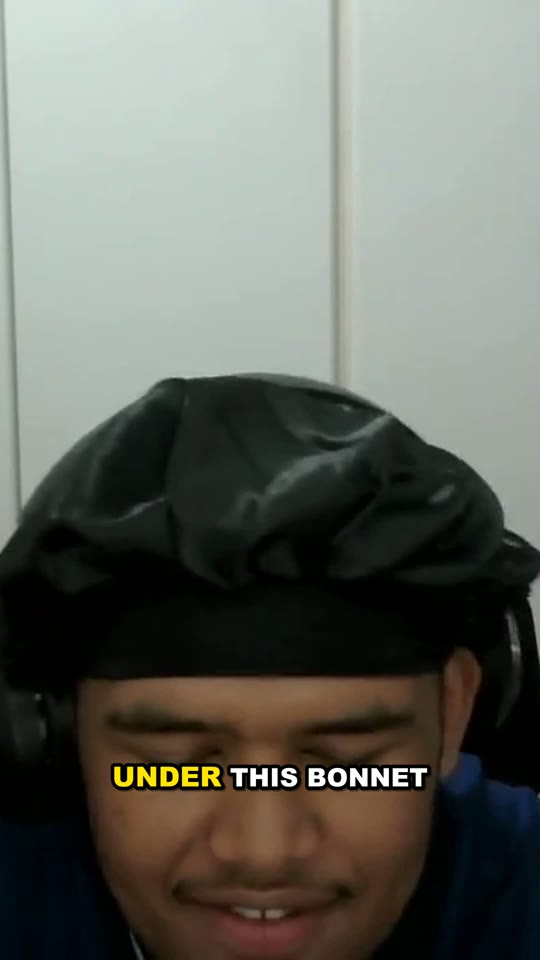 96
Face-Track (Active Speaker)
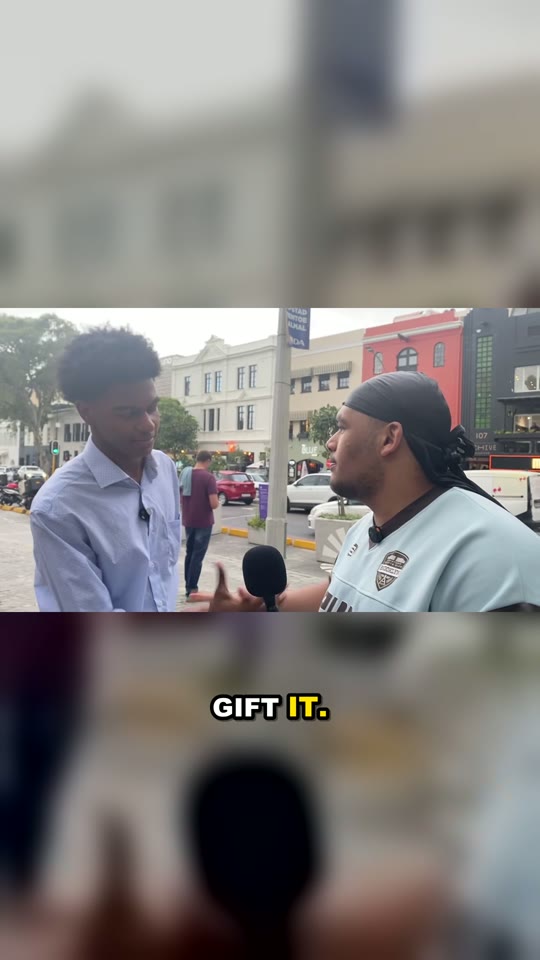 94
Cinema (Blurred Backdrop)
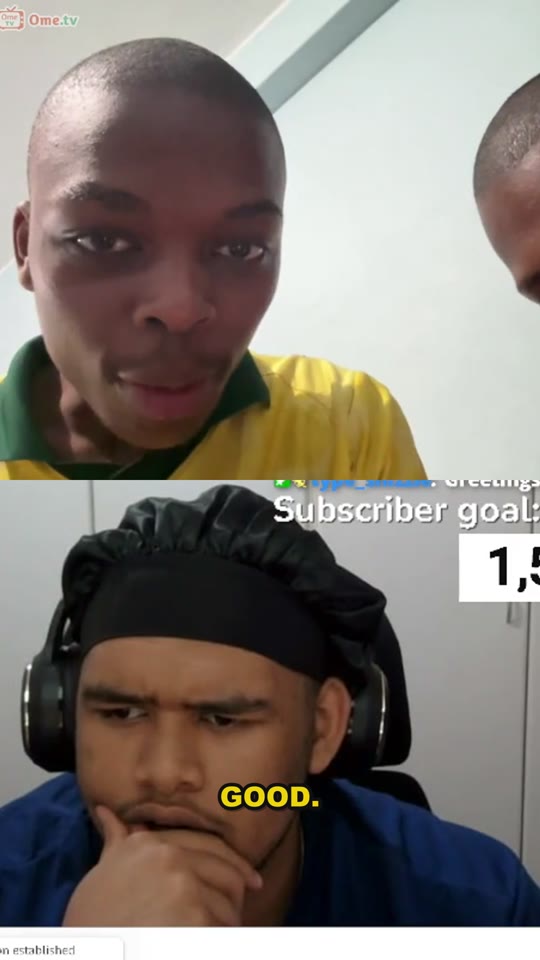 91
Split Screen (Cam + Feed)
Pick your target clip length
Switch between quick 15–30s punchlines, balanced 30–60s clips, or 60–90s story cuts before scanning.
Guide what the AI looks for
Type a focus topic like 'funny moments' or 'best story' to pull the exact clips your channel posts.
Watch before exporting
Load any suggestion straight into the browser previewer to tighten the start or end cut first.
Can I steer which topics the AI picks?
Yes. Enter a short focus prompt before clicking Auto-Find Clips to steer hook discovery.
Can I adjust clip start and end times?
Yes. Load any clip into Studio and nudge timestamps or pick exact spoken lines from the transcript.